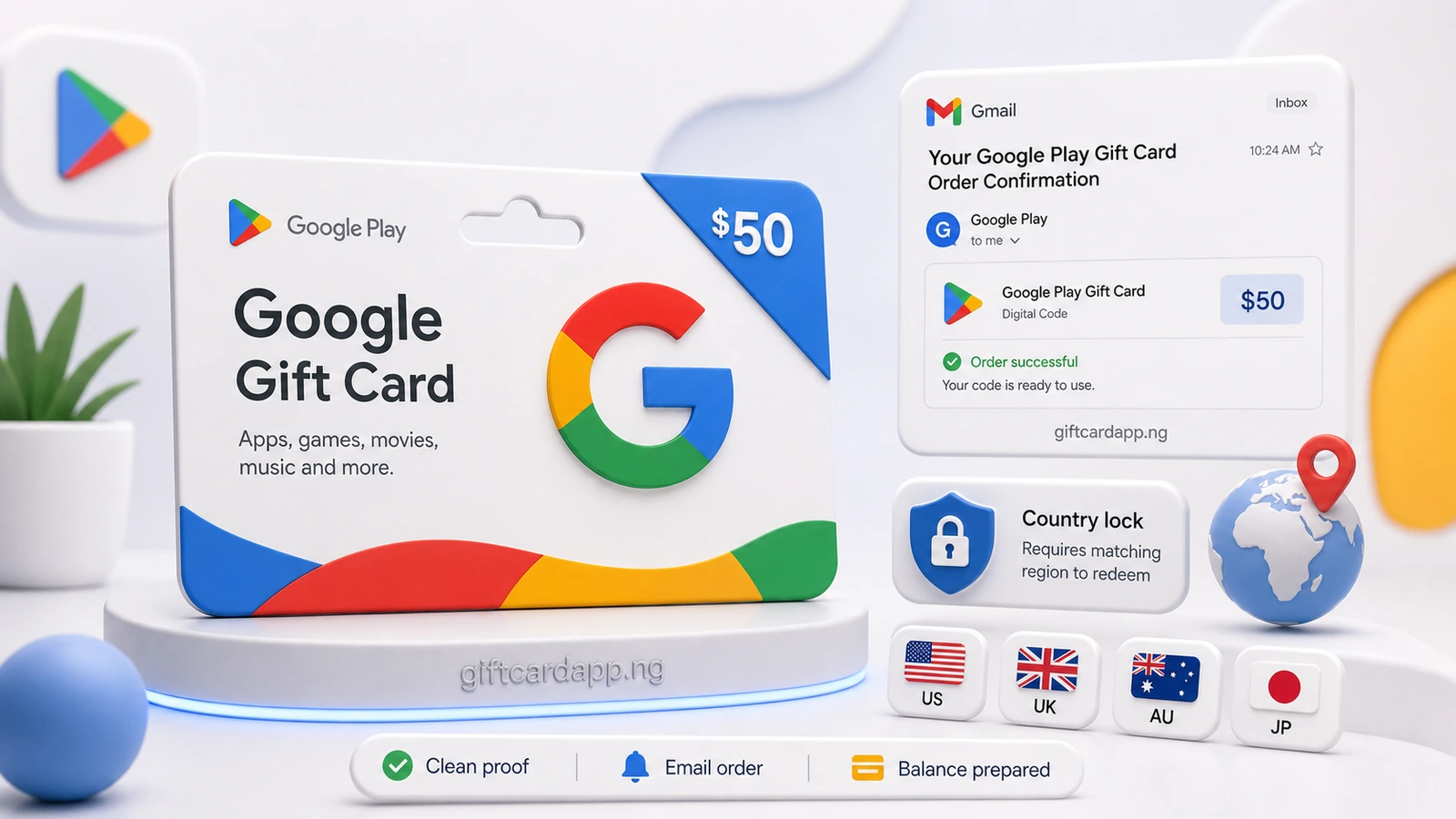
The Google Play calculator is useful only after the card country is known. “Google Play 100” is incomplete: it could mean USD 100, CAD 100, AUD 100 or another local denomination, and each belongs to a different route.
Enter the calculator fields in this order
- Brand: choose Google Play, not a generic Google product.
- Country: use the purchase country shown by the retailer, email or card.
- Currency: confirm it matches the selected country.
- Value: type the face value printed on the card.
- Format: identify physical card or digital code where the route asks.
Then compare the result with the current route page. The calculator should not be used to “convert” a mismatched card into a more valuable country.
Three input errors that change the answer
| Input error | Why it is misleading | Correction |
|---|---|---|
| Selecting US for a Canadian order | USD and CAD routes are different | Use retailer country and CAD |
| Typing the naira amount as face value | The field expects the card’s original denomination | Enter the printed gift card value |
| Using a Google Play rate for a different Google-branded product | Products can have different redemption systems | Confirm the exact card name first |
Country lock is a redemption rule, not a pricing trick
Google states that Play gift cards may only be redeemed and used in the country and currency where they were purchased, and the Play account country must match. A US card paired with a Nigerian Play profile is therefore a mismatch scenario, not an invitation to bypass the restriction.
Use the country-lock guide to identify evidence safely. Keep the redeemable code hidden while showing order country, currency, value and purchase source.
Worked example: a complete US calculator request
Google Play · United States · USD 100 · digital code · order email available · code covered
That description gives the calculator and reviewer enough information to choose the US route. “Google card, how much?” does not.
What to do when the calculator has no matching route
Do not choose the nearest-looking country. A missing route means the current snapshot does not offer a public calculation for that combination. Save the country and currency evidence, wait for a later manual data update, or ask support whether the product is outside the supported catalog. Selecting United States simply to force a result creates a number that does not describe the card.
Keep a small calculation record
| Record | Example | Purpose |
|---|---|---|
| Snapshot date | Date shown in the live box | Shows which data produced the estimate |
| Route | United States · USD | Prevents country confusion |
| Input value | 100 | Confirms the original denomination |
| Displayed estimate | Calculator result | Provides a reference before verification |
This record is more useful than a screenshot of the answer alone because it preserves the inputs. If the administrator imports a new snapshot, you can see whether the data changed or whether a different route was selected.
Physical card and eCode evidence
For a physical card, photograph the full front and back in even light, but leave the code area protected. Include the matching retailer receipt when available. For an eCode, retain the original purchase email with sender domain, product, currency, value and date visible. A forwarded code-only message cannot establish the order country and should not be treated as equivalent proof.
Do not edit a screenshot so heavily that useful country clues disappear. Mask the claim code, name, address and payment details with solid blocks while leaving the non-sensitive order context readable. If the calculator result is later reviewed, that context explains why the selected route was appropriate.
Calculator answer versus final payout
The calculator performs a route calculation; it does not test activation or redemption status. Verification still has to confirm that the submitted item matches the input. Treat the estimate as a planning number until the order shows an approved final amount.
Open the Google Play calculator for a denomination-specific result or the country price page to compare active markets.
Frequently asked questions
What is the Google Play gift card rate in Nigeria today?
The live estimate box reads the latest manually verified CardFlow database snapshot for the primary US route.
Can I calculate a Canadian Google Play card with the US rate?
No. Select Canada and CAD. Google Play gift cards are country and currency restricted.
Why can the calculator result change later?
A newer data snapshot, a corrected country, a different denomination or verification findings can change the applicable estimate.
 How to Sell Gift Cards for Cash in Nigeria (2026 Guide)Jun 12, 2026
 Why Gift Card Quotes Change Before Payout in NigeriaJun 23, 2026